Safety first: gps tracking, emergency SOS, and parental controls
For many parents, the best smartwatches for kids are safety tools before they are gadgets. A kids smartwatch with strong GPS tracking lets you see your child location on a map in real time, which is especially useful during school runs, sports practice, or crowded events. The most reassuring models combine this GPS tracker function with geofencing, so parents receive alerts anytime children leave a predefined safe zone.
Independent tests on popular kids watches typically report outdoor GPS accuracy in the range of 5–15 metres, with the tightest results in open areas and slightly wider error margins near tall buildings or indoors. Many devices now blend GPS, Wi‑Fi positioning, and cellular triangulation to refine real time location tracking, which helps parents understand whether a child is at school, on the way home, or still at an activity.
Emergency SOS features deserve close attention, because they can transform a simple watch into a lifeline. A dedicated emergency SOS button on a kids watch should trigger a call or alert sequence to several approved contacts, and some devices also share live location tracking data until parents confirm that the child is safe. When you compare options, test how many steps a child must take to activate the emergency function, since complicated controls can slow a response during stressful moments.
Parental controls are the quiet engine behind every responsible kids smart design. Through a companion app on your phone, you will usually manage contact lists, school time quiet modes, and whether the smartwatch can access games or social media style features, which helps parents set boundaries that match family rules. Before you continue with any subscription or account, read the terms of service and the detailed privacy policy carefully, because these documents explain how the brand handles children’s data and who can access location history.
Battery life directly affects how dependable these safety tools remain throughout the day. A kids smartwatch that offers at least one full day of battery life with GPS tracking enabled will reduce the risk of a dead device just when parents need it most. Consumer lab measurements on mainstream kids models often show around 18–36 hours of runtime with frequent location updates, and some devices stretch battery performance to several days if you limit real time checks and disable nonessential apps.
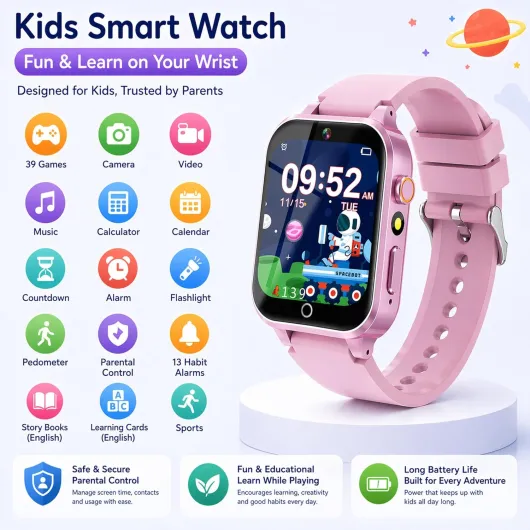
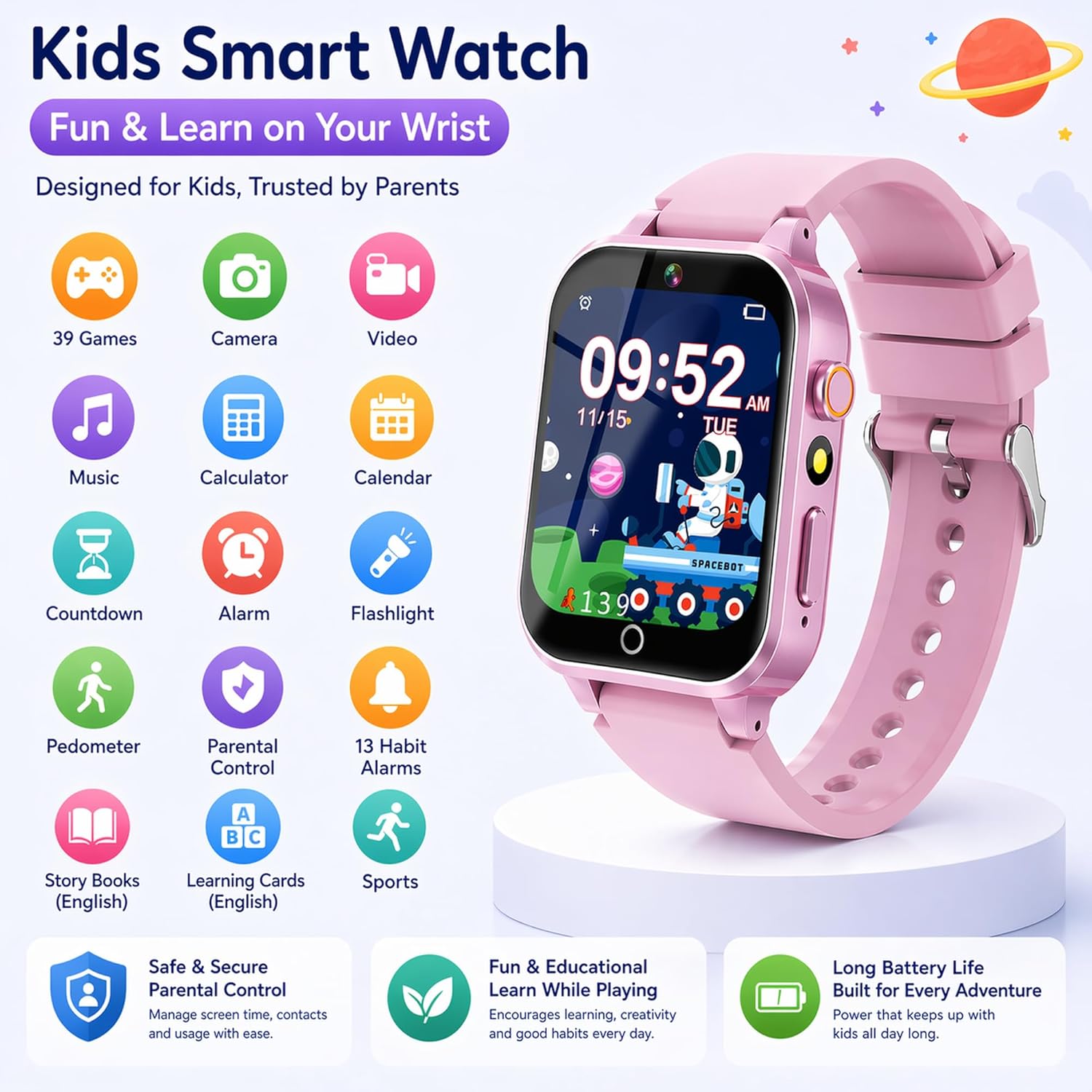
When you evaluate playful models such as this kids smart watch with games and camera, look beyond entertainment. Confirm that parental controls can restrict game time during school hours, and that emergency SOS and GPS tracking remain easy to access even when your child is busy exploring apps. A balanced device will offer fun features for kids and robust safety tools for parents in the same compact smartwatch.
Communication without overload: calls, messages, and social media limits
Communication features often decide which models truly rank among the best smartwatches for kids. Many families want their children to stay connected anytime, but they do not want a full smartphone with constant notifications and social media pressure. A focused kids smartwatch can act as a filtered phone on the wrist, where only approved contacts can call or send short messages.
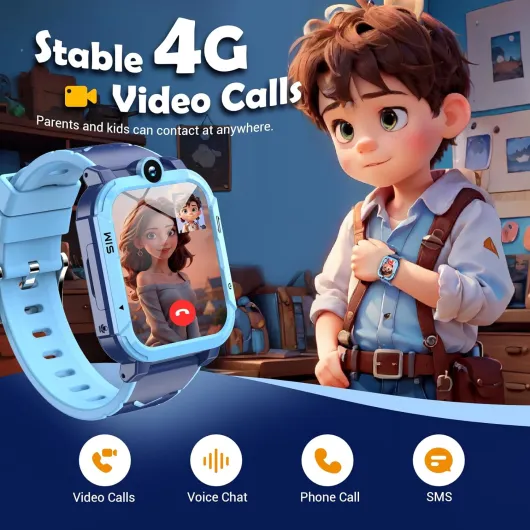
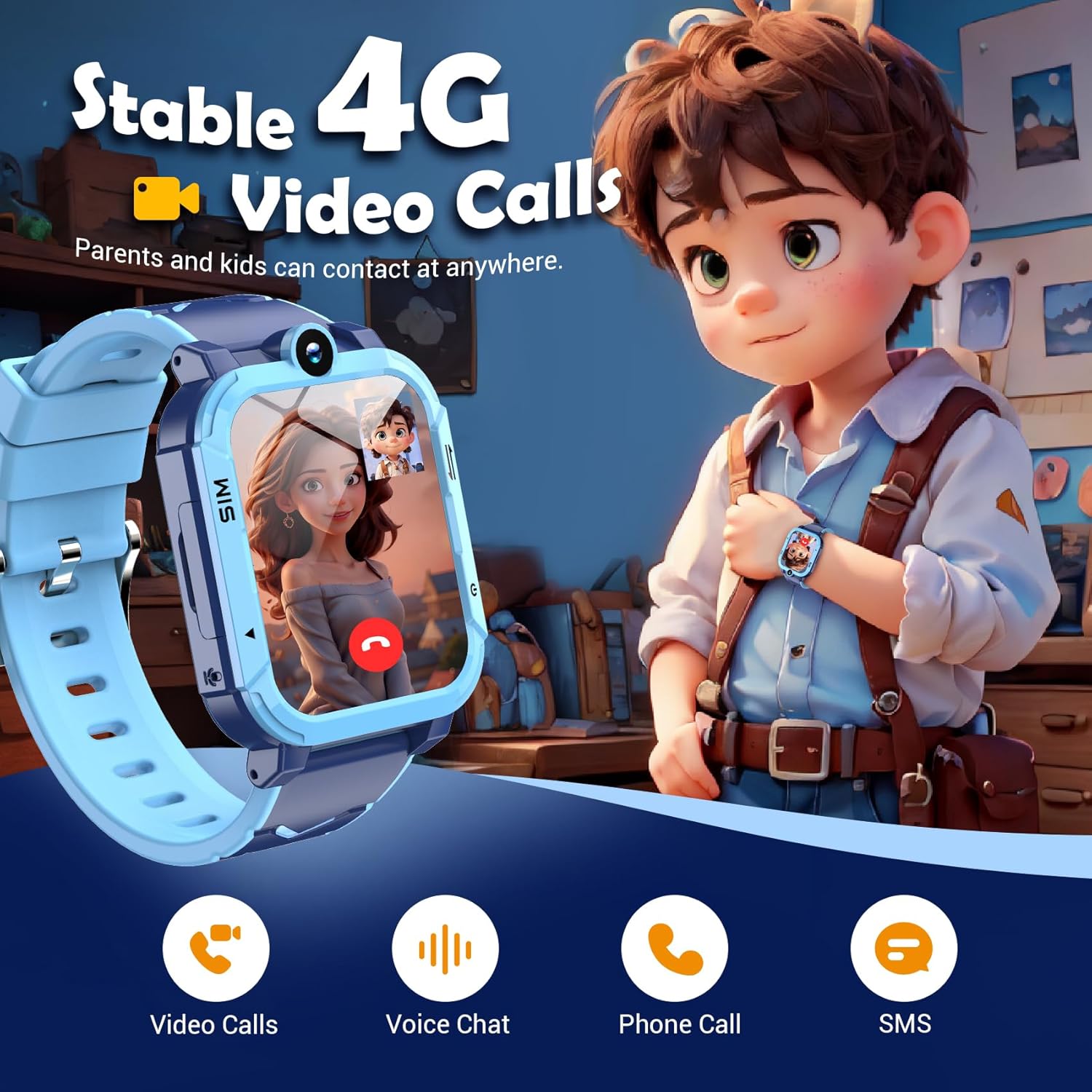
Voice calls remain the clearest way for parents and children to talk. Some devices route calls through a dedicated app on the parent phone, while others use a built in SIM card that offers independent connectivity for the smart watch, and both approaches can work well if parental controls stay simple to manage. Check whether the watch supports quick call icons, because younger children may struggle to scroll through long lists when they need help in real time.
Messaging on a kids watch usually takes the form of preset texts, voice notes, or simple emoji. This limited format helps children share updates anytime without the open ended risks of full email or chat apps, and it also reduces the temptation to overuse the smartwatch during class. When a brand mentions social media features in its marketing, read carefully to see whether these are closed family sharing tools or open networks that might expose children to strangers.
Some parents consider an Apple Watch for older children, especially when they already use iPhone devices. In family setup mode, an Apple Watch can function as a kids smartwatch with controlled access to calls, messages, and selected apps, while parents manage settings from their own phone. This approach suits families who want a premium watch that children can grow into, but it may feel complex for very young kids who only need basic tracking and emergency SOS tools.
Before you commit to any communication focused smartwatch, review the brand’s privacy policy and terms of service statements. These documents explain how message logs, call history, and location tracking data are stored, and whether third parties can access them for analytics or advertising. For a deeper look at how one brand structures communication and safety features, you can read this analysis of a popular model in the article about exploring the features of the Tiktalk watch, which illustrates how design choices affect everyday use for parents and children.
Battery life, durability, and design that children actually wear
Even the best smartwatches for kids fail if children refuse to wear them. Comfort, style, and practical details such as battery life determine whether a kids smartwatch becomes part of the daily routine or ends up forgotten in a drawer. When you compare models, ask your child which watch designs feel fun, then quietly verify that the technical specifications match your safety and reliability expectations.
Battery performance deserves careful scrutiny, because GPS tracking and real time location updates consume significant power. A robust kids watch should offer at least one full school day of battery life with continuous tracking, and many parents prefer devices that stretch to two days so charging can fit naturally into the evening routine. Independent battery benchmarks on children’s wearables often show that enabling constant GPS can reduce runtime by roughly 25–35 percent compared with standby use, so it is worth testing different update intervals in the parent app.
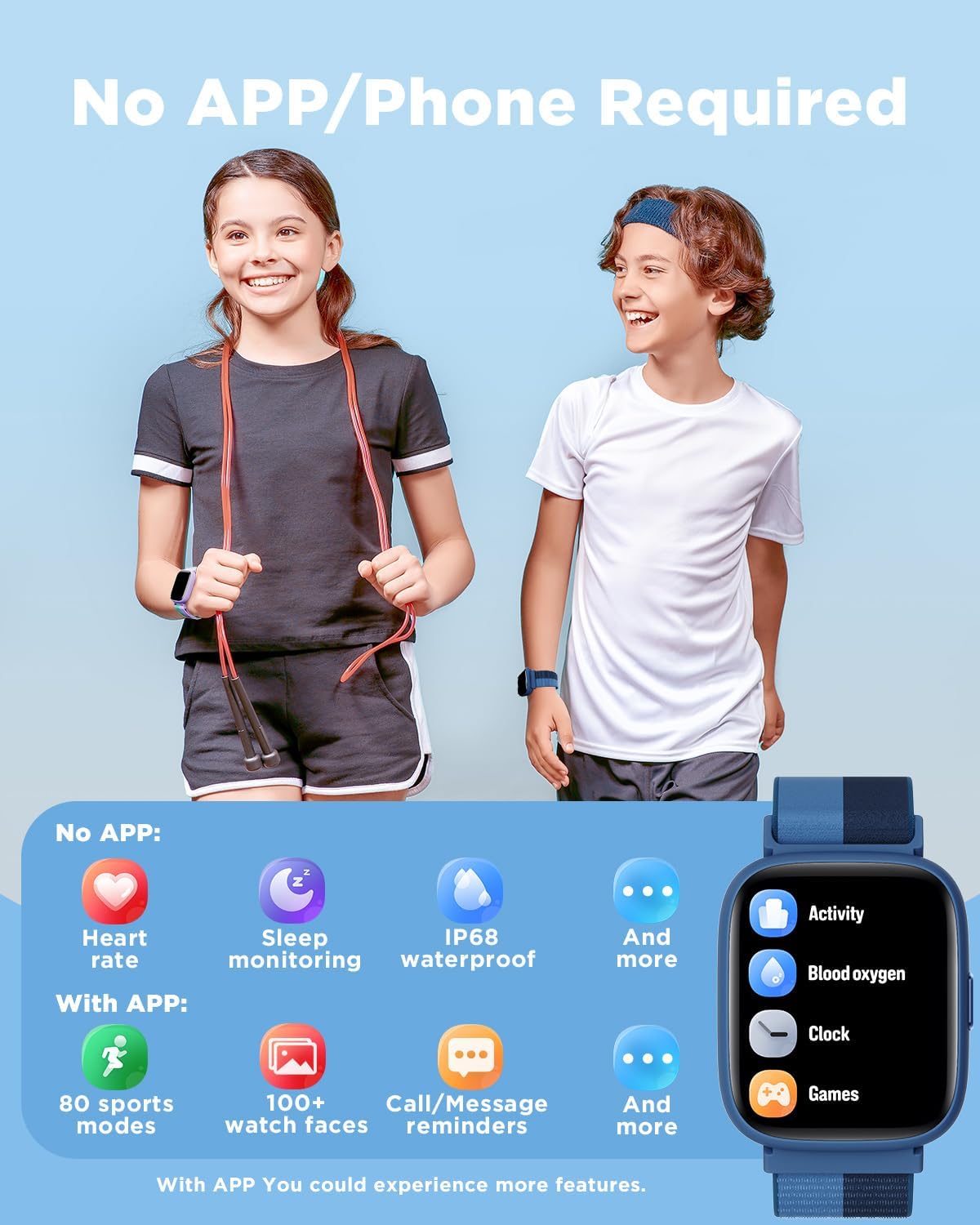
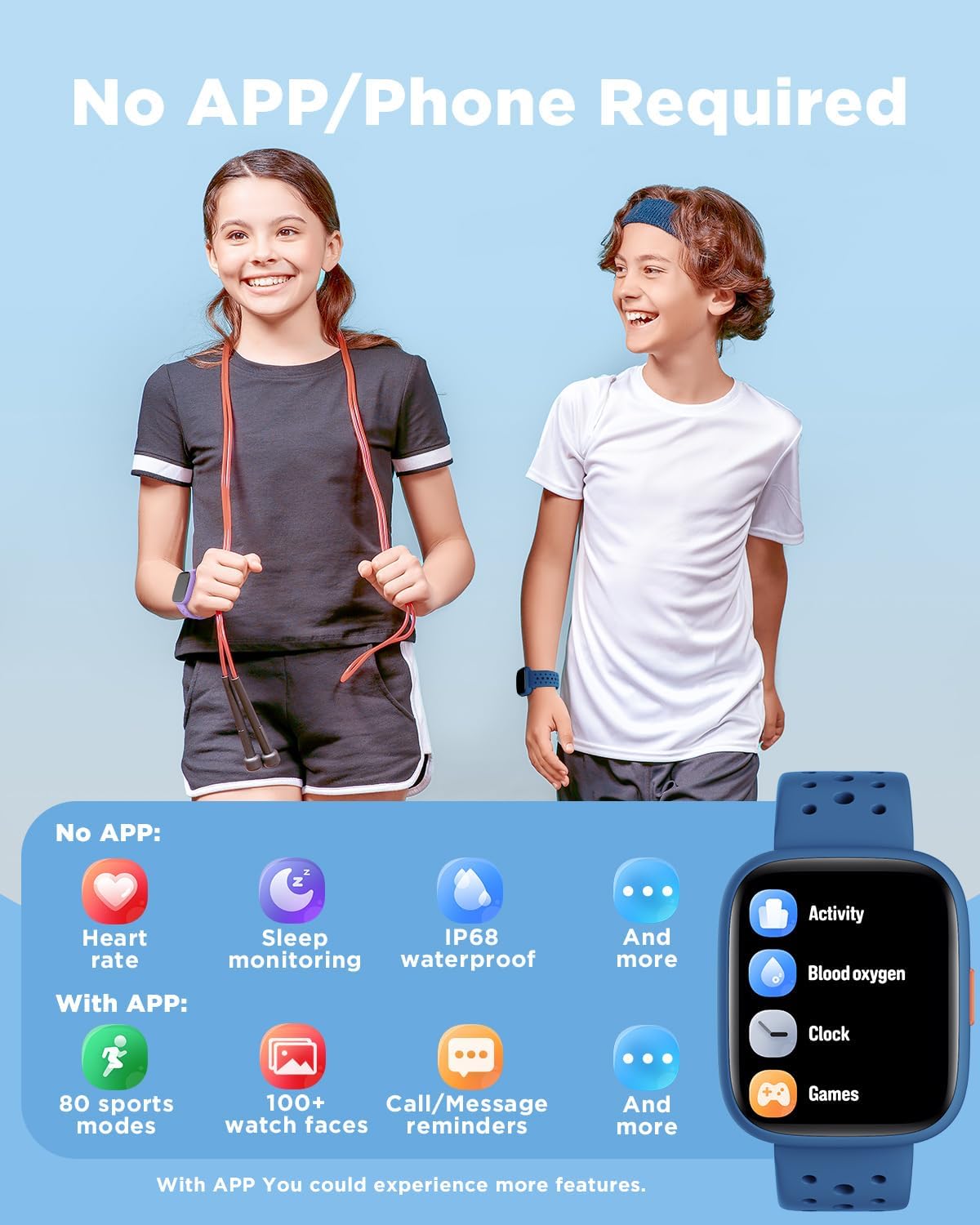
Durability protects both your investment and your child’s confidence. Look for a smartwatch with scratch resistant glass, reinforced casing around the watch body, and water resistance that can handle rain or accidental splashes anytime, because children rarely remove devices carefully before play. Soft, adjustable straps help a smart watch sit securely on smaller wrists, and hypoallergenic materials reduce the risk of irritation during long wear.
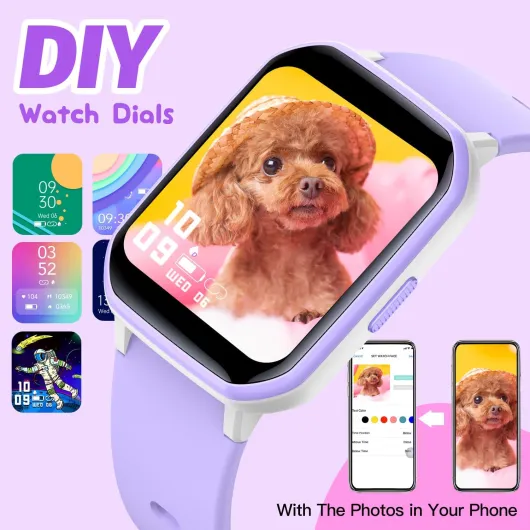
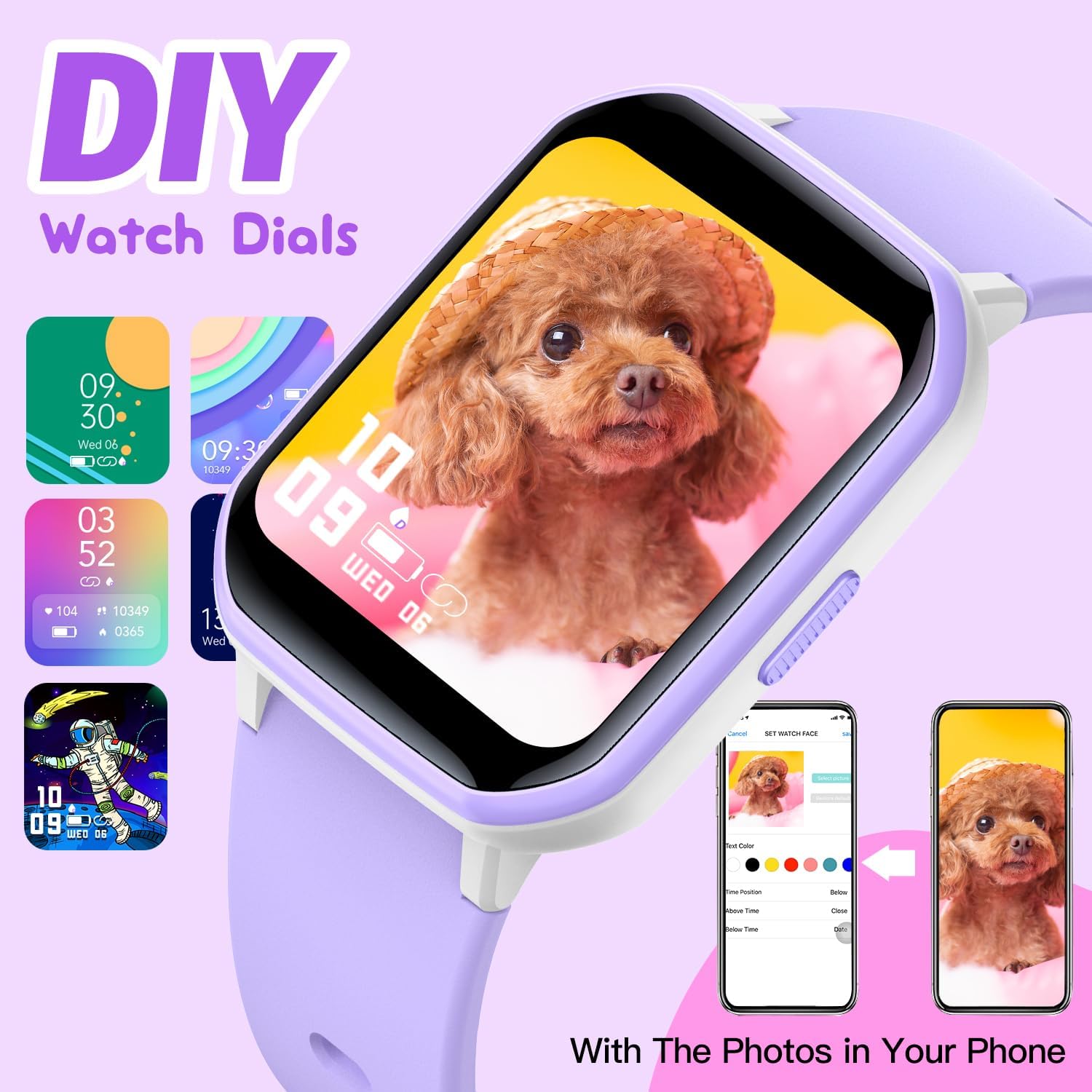
Design also influences how easily children learn to use controls. Large icons, clear fonts, and simple swipe gestures help younger kids smart users navigate menus without constant parental help, while older children may appreciate more customisation such as watch faces and subtle colours. If your family already uses fitness wearables, you might compare a kids smartwatch with a more general activity tracker such as this AMOLED fitness smart watch, which shows how adult oriented devices prioritise health metrics over parental controls.
Finally, consider how charging habits fit into family life. A watch kids model that uses a magnetic cable or simple dock will be easier for children to manage than a fragile connector, and clear battery indicators on both the smartwatch and the parent app reduce surprises. When children feel responsible for keeping their devices charged, they participate actively in the safety routine rather than seeing the watch only as a parental surveillance tool.
Comparing popular kids smart models: gizmo watch, Apple Watch, and more
Several brands now compete to offer the best smartwatches for kids, and each takes a different approach. The Verizon Gizmo Watch line, for example, focuses on simple calling, GPS tracking, and strong parental controls, which makes it appealing for younger children who mainly need a secure way to stay connected. Apple Watch models configured through family setup, by contrast, suit older kids who can handle more apps and activity tracking but still benefit from limits set by parents.
The Gizmo Watch interface keeps things straightforward for children. Large icons, a clear emergency SOS button, and a tightly controlled list of approved contacts help parents feel confident that only trusted people can reach their child anytime, and the companion app offers intuitive tools for managing school time quiet periods. Battery life on these devices usually covers a full day with moderate location tracking, and user reports often mention around 20–30 percent battery remaining after typical school and after school use.
Apple Watch brings a richer ecosystem, which can be both strength and challenge. In family setup mode, parents use their own iPhone to configure which apps appear on the child watch, how location tracking works, and when communication is allowed, and they can also monitor activity rings to encourage healthy movement. However, this flexibility requires more careful reading of the privacy policy and terms of service documents, because the device connects to a broader network of services, including potential social media style apps as children grow.
Other dedicated kids smartwatch brands emphasise education and play. Some models integrate step counters, storybook apps, and simple games that reward children for moving on time or completing chores, while still keeping emergency SOS and GPS tracker tools one tap away. When you compare these devices, check whether the watch allows in app purchases or external links, because you will want parental controls that prevent children from accidentally accessing unsuitable content.
Whatever brand you choose, treat the first weeks as a trial period. Observe how often your child uses the watch for helpful communication versus distraction, and adjust settings in the parent app to strike a balance between freedom and focus. A thoughtful setup process will turn any capable kids smartwatch into a trusted bridge between parents and children rather than a source of conflict.
Data protection, privacy policy, and teaching digital responsibility
Behind every kids smartwatch sits a complex flow of data that parents must understand. Location tracking, call logs, and even step counts travel from the watch to company servers, then back to the parent app in real time, which raises important questions about who can access this information and how long it is stored. Choosing the best smartwatches for kids therefore means evaluating not only hardware but also the brand’s approach to privacy and security.
Start by reading the privacy policy and any separate terms of service documents before you continue with account creation. Look for clear explanations of how the company handles children’s data, whether it shares anonymised information with partners, and how parents can request deletion of stored records such as historical GPS tracking routes, because transparency signals a more trustworthy service. If the policy feels vague or overloaded with legal jargon, consider whether that aligns with the level of protection you expect for your child.
Security features on the device and in the app also matter. Strong authentication for the parent account, encrypted communication between watch and servers, and regular software updates reduce the risk that unauthorised people could access your child location or contact list anytime, and reputable brands usually explain these protections in support materials. Avoid models that encourage linking a kids watch directly to open social media platforms, since this can expose children to strangers and undermine the value of approved contacts and parental controls.
Smartwatches also offer a chance to teach digital responsibility from an early age. Talk with your child about why you use location tracking, how emergency SOS works, and when it is appropriate to call parents versus other trusted adults, because shared understanding builds trust rather than fear. Set clear rules about when the smartwatch should stay silent, such as during class or family meals, and use the app settings to align device behaviour with those expectations.
Finally, remember that even the best technology cannot replace human judgment. A kids smartwatch can help families stay connected and informed, but it should complement rather than replace conversations about safety, independence, and respect for others’ privacy. When parents treat the watch as one tool among many, children learn that responsibility matters more than any single gadget on their wrist.
Key statistics on kids smartwatches and family usage
- Market researchers at Counterpoint Research reported that dedicated kids smartwatch shipments exceeded 25 million units worldwide in a recent year, showing strong demand from parents who want location tracking and communication without full smartphones.1
- A survey by Common Sense Media found that more than 40 percent of children aged between 8 and 12 now own some form of wearable or smartphone, highlighting how connected devices, including kids watches, are becoming part of everyday childhood.2
- Studies on emergency response from child safety organisations indicate that quick access to a trusted adult within the first few minutes of an incident significantly improves outcomes, which supports the value of emergency SOS buttons on kids smart devices.3
- Battery tests published by several consumer technology magazines show that continuous GPS tracking can reduce smartwatch battery life by up to 30 percent compared with standby use, underscoring why parents should review power settings carefully.4
- Privacy advocacy groups have documented cases where poorly secured connected toys exposed location or audio data, reinforcing the importance of reading each brand’s privacy policy and terms of service statements before activating a kids smartwatch.5
1 Counterpoint Research, global kids smartwatch shipment estimates, including regional breakdowns and year-on-year growth.
2 Common Sense Media, children and device ownership survey, reporting adoption rates for smartphones, tablets, and wearables.
3 Child safety organisations, reports on emergency response times and outcomes for incidents involving young children.
4 Independent consumer technology magazines, smartwatch battery benchmark tests comparing GPS-on and standby scenarios.
5 Digital privacy advocacy groups, investigations into connected toy and kids device security, including case studies of data exposure.