Magnetic systems, cables, and the hidden complexity of smartwatch power
Behind every elegant watch charging stand sits a surprisingly complex mix of magnetic connectors, USB standards, and proprietary cables. Many smartwatch owners only realise this complexity when a new watch or iPhone no longer fits an older charging cable or dock. Choosing the best smartwatch charging docks means understanding how these magnetic and USB systems will affect your future upgrades and daily routine.
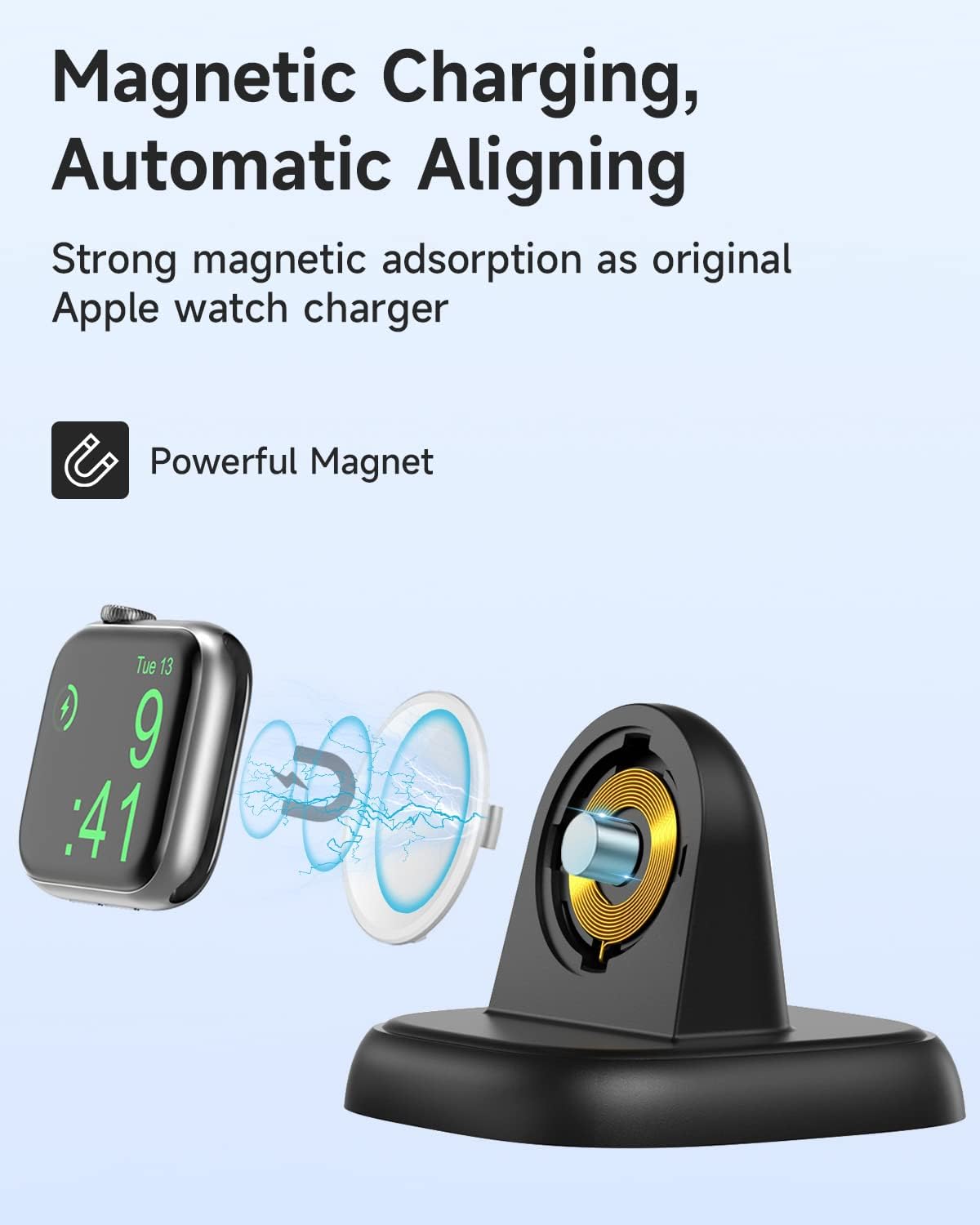
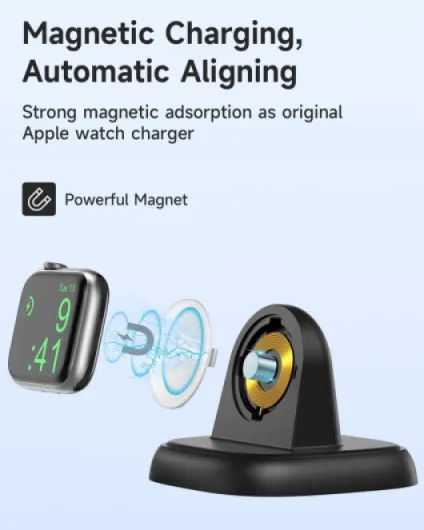
Most modern smartwatch docks rely on magnetic alignment so the watch snaps into place and charges reliably. Apple Watch models use a round magnetic puck that supports wireless charging, while some other brands still rely on pogo pin connectors that need more precise alignment. If you mix devices, a charging station with both a magnetic watch charger and a flexible USB port for other chargers gives you more freedom.
USB power delivery standards also shape how fast a dock can charge watch batteries and phones. A dock with USB-C input and support for fast charging can share one powerful adapter between your iPhone, AirPods, and smartwatch, reducing clutter and wasted power. When a charger includes its own adapter, check whether that charger included supports the same fast charge profiles as your devices or if you will need to buy a separate fast charger.
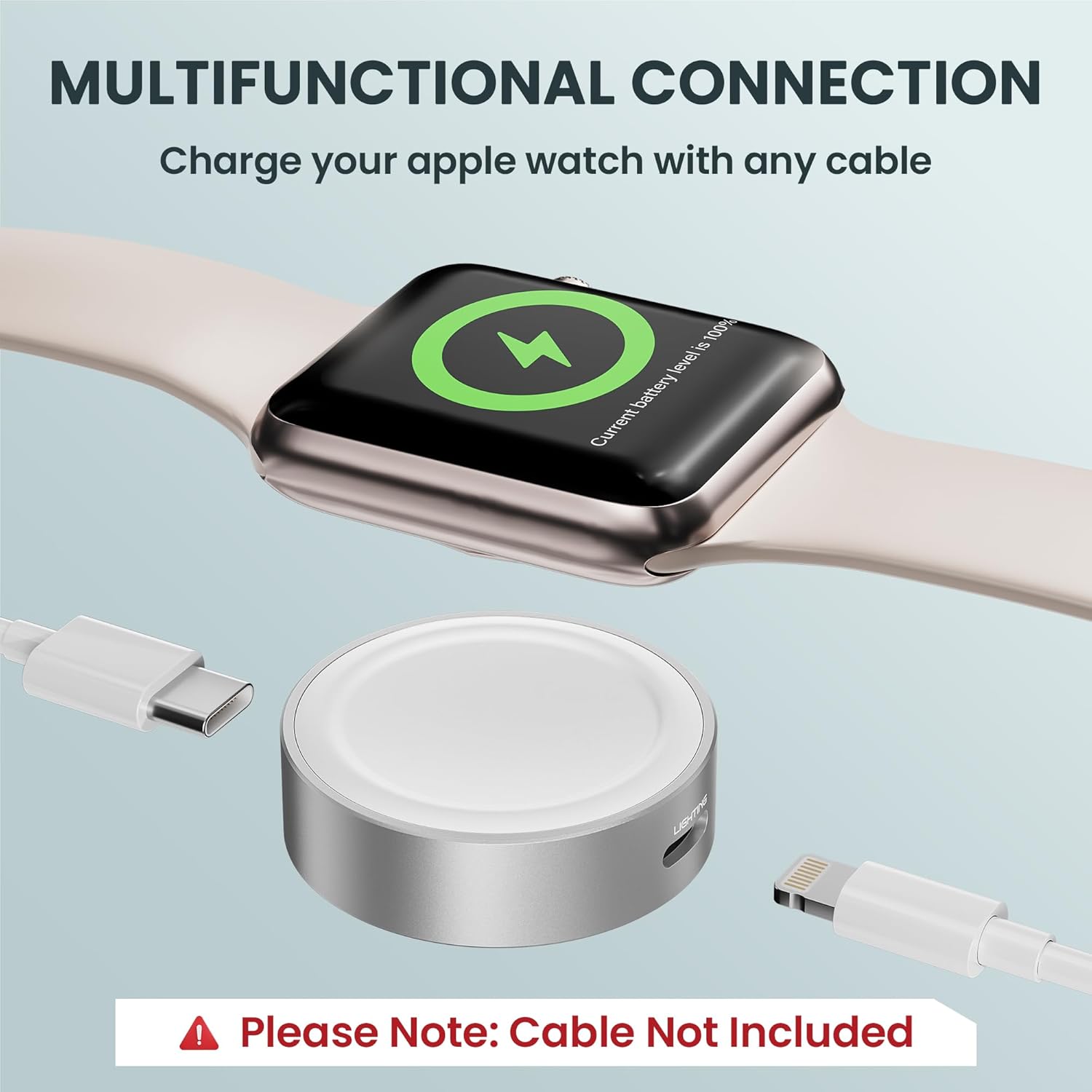
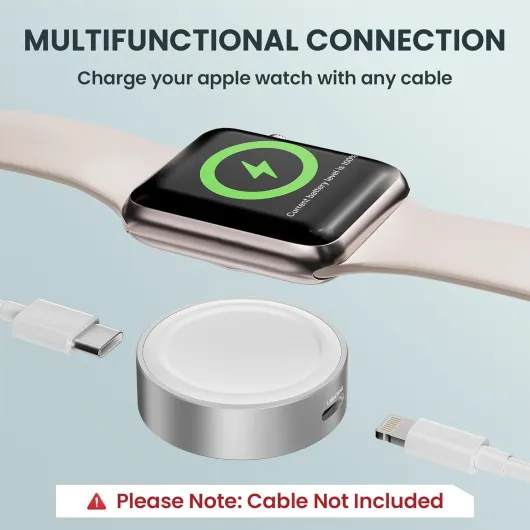
Proprietary watch charging cables can be a long-term headache if you do not plan ahead. A dock that hides a removable charging cable inside a stand or dock lets you replace the cable when you upgrade your watch without discarding the whole product. For a deeper look at how magnetic chargers, USB-C pucks, and proprietary cables interact, see this analysis of the smartwatch charging mess nobody talks about at magnetic chargers and proprietary smartwatch cables.
Wireless charging sounds simple, yet the reality is that not every wireless charging pad or charging dock supports every watch. Some docks support wireless charging for phones but still need a dedicated watch charger puck for the watch itself, which can confuse buyers who expect one surface to handle all charges. When you compare pros and cons of different products, always check whether the wireless charging area is certified for your exact watch and iPhone models.
Colour and finish also interact with cable management and long-term durability. A dark charging dock can hide scuffs and dust better than a glossy white stand, especially when you coil a USB cable around the base. If you travel often, consider a compact watch charger with a short charging cable that plugs into a power bank, so you can keep watch fast charging performance even away from home.
Top dock formats: single watch stands, multi device stations, and travel chargers
Smartwatch owners usually fall into three groups when choosing the best smartwatch charging docks. Some want a minimal watch charging stand that handles only the watch, others prefer a multi device charging station, and frequent travellers look for a compact watch charger that pairs with a power bank. Each format has clear pros and cons that affect how you charge watch devices and manage cables.
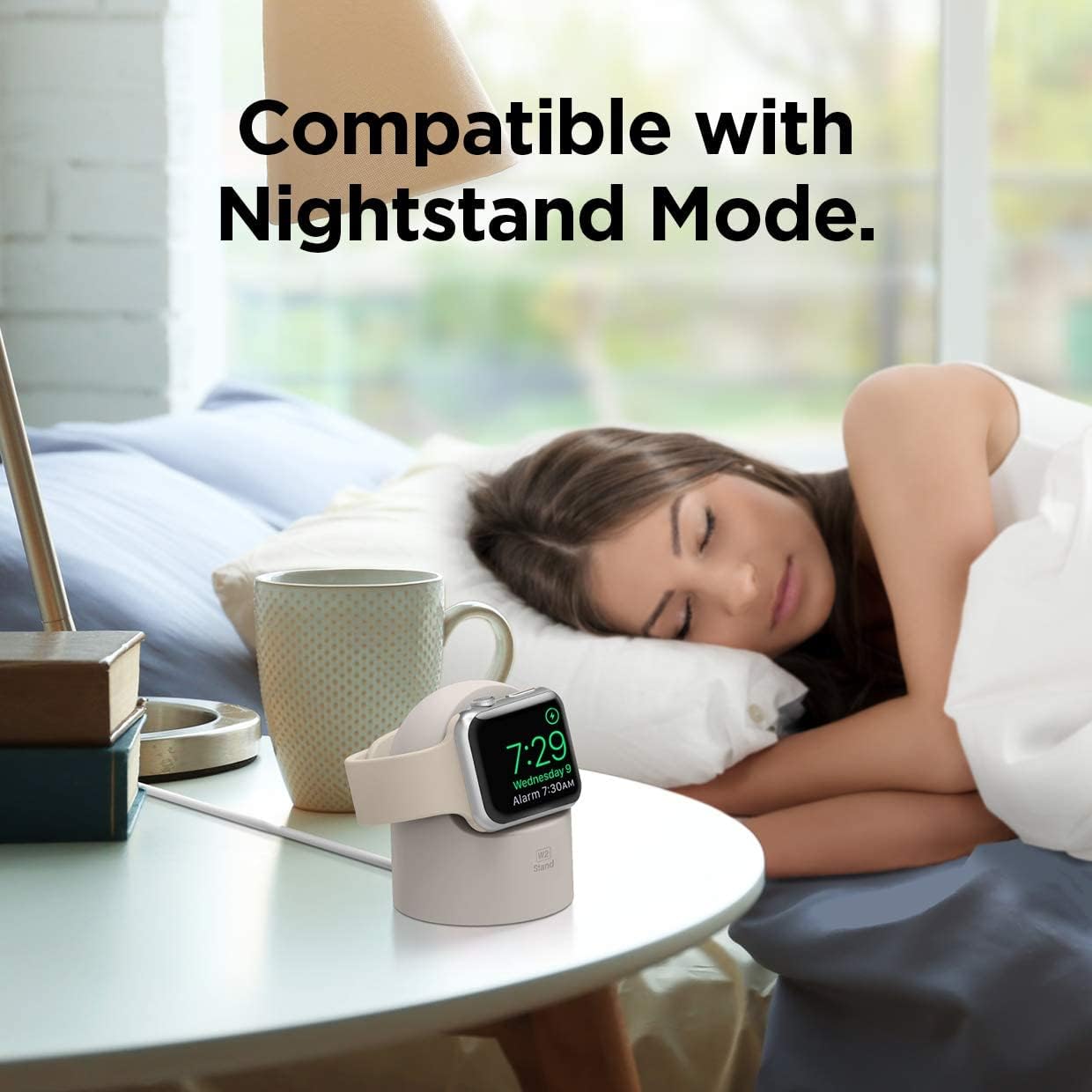
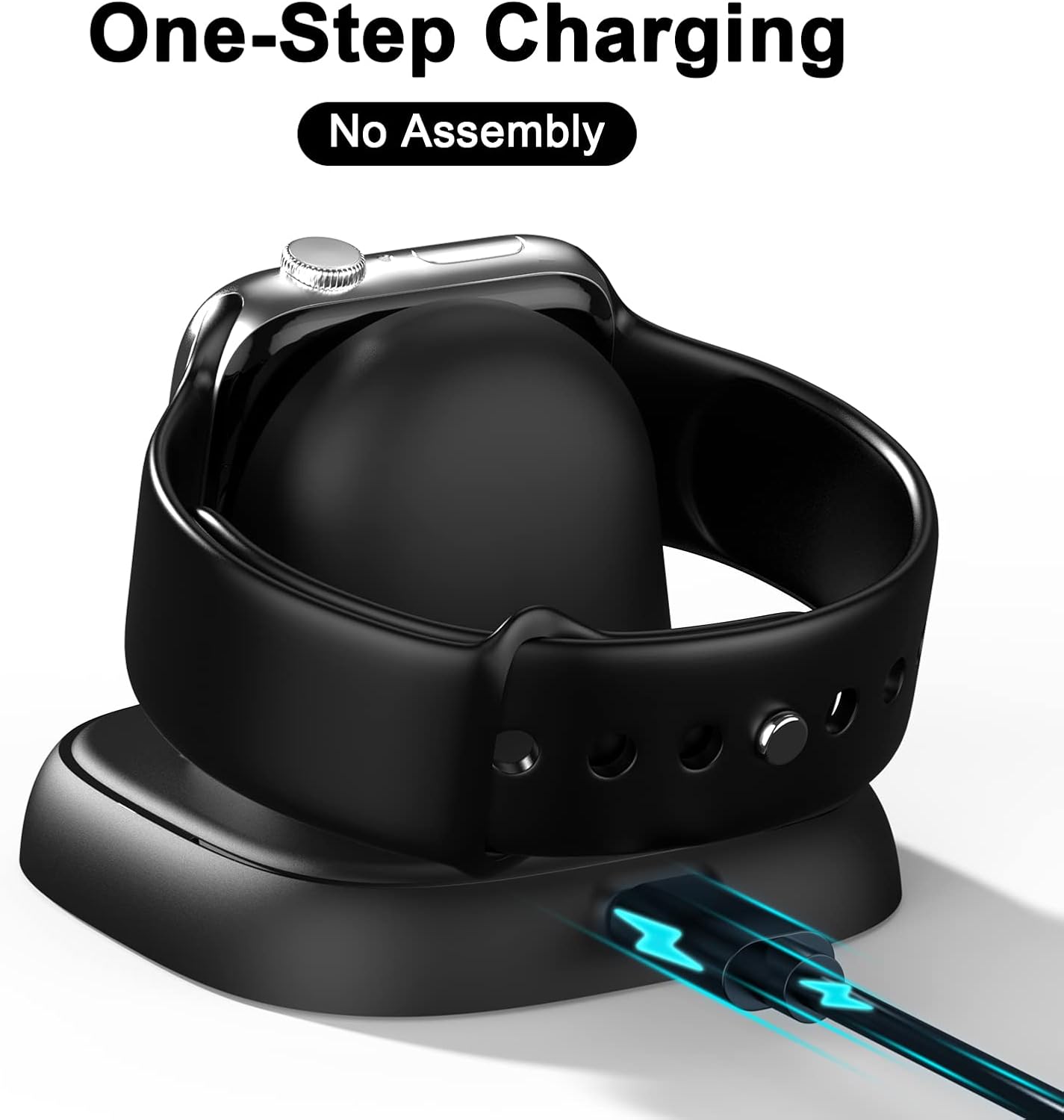
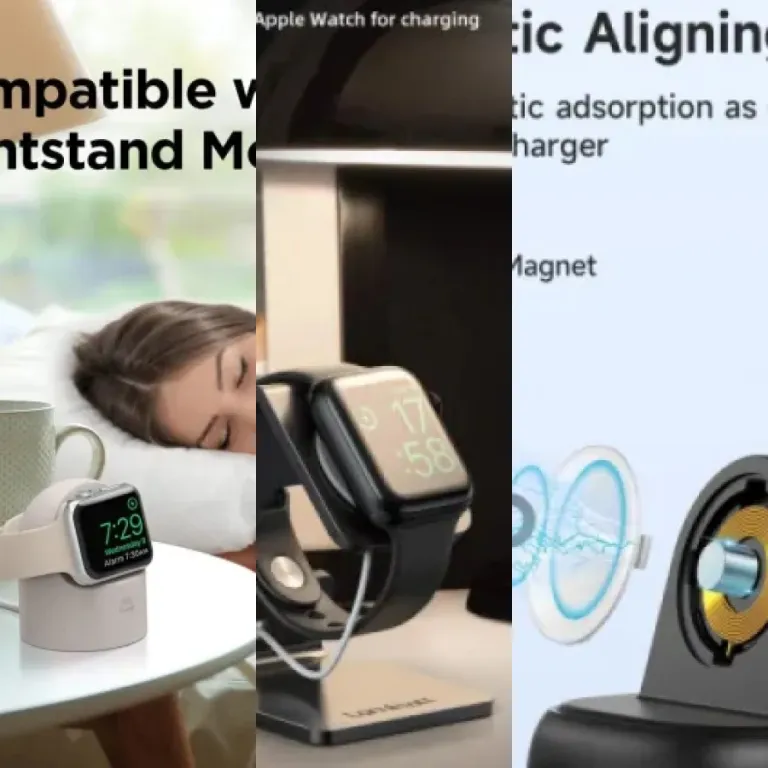
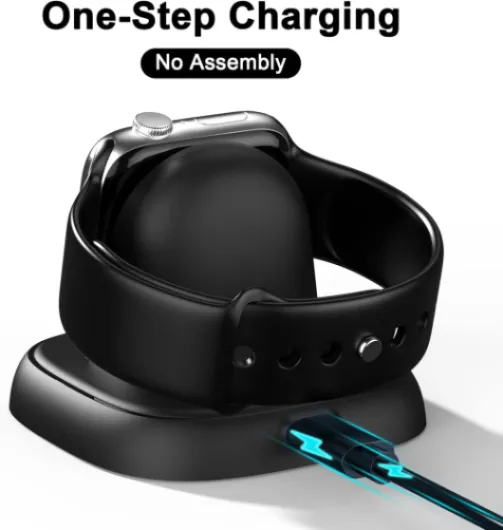
A single watch stand or compact charging dock works best if you keep your iPhone and AirPods on separate chargers. These stands often cradle the Apple Watch on a raised arm, letting the magnetic puck hold the watch while it charges in nightstand mode. When the charger included is removable, you can swap the cable or upgrade to a fast charging puck later without replacing the whole stand.
Multi device charging stations combine a watch charger, a wireless charging pad for phones, and sometimes a cradle for AirPods. This layout lets you drop your watch, iPhone, and earbuds on one dock, using a single USB power input and one wall adapter. If you choose a dark charging station with a clean design, it can double as a tidy organiser that hides most of the charging cable clutter.
Travel focused docks and portable watch chargers prioritise size and flexibility over aesthetics. A folding charging stand or a small charging dock that plugs directly into a USB port on a laptop or power bank can keep your watch fast charging on the move. When you compare price, remember that a slightly higher cost for a robust hinge or reinforced cable often prevents failures after repeated packing and unpacking.
Some premium docks, such as the Anker MagGo series, blend travel and desktop roles by combining a magnetic iPhone stand, a watch charger, and sometimes a power bank. An Anker MagGo charging station can hold a MagSafe iPhone while a separate magnetic puck charges an Apple Watch, all from one USB-C cable. For a detailed example of a portable magnetic fast charger dock for Apple Watch in black, you can examine this wireless charging stand test at portable magnetic fast charger dock for Apple Watch.
Battery health, fast charging, and how docks affect your watch over time
Every time you charge watch batteries, you trade a little long-term capacity for short-term convenience. The best smartwatch charging docks manage this trade-off by balancing fast charging with careful heat control and smart power delivery. If you rely on fast charge features every day, the quality of your charger, cable, and dock will shape how long your watch battery stays healthy.
Fast charging pushes more power into the battery in a shorter time, which naturally generates more heat. A well designed charging dock or charging stand uses materials and ventilation that let heat escape, while a poor quality plastic stand might trap warmth around the watch. When you compare products, look for clear statements about fast charging support and check whether the charger included is rated for your watch model.
Wireless charging adds another layer, because energy passes through coils in both the dock and the watch. Misaligned coils waste power as heat, so a stable stand that holds the Apple Watch at the correct angle can protect battery health as much as any fast charger specification. If your dock supports wireless charging for both watch and iPhone, make sure each device sits in a clearly defined zone rather than sliding around.
Battery experts generally recommend keeping charge levels between about 20 percent and 80 percent for maximum lifespan. A practical way to apply this with a charging station is to top up your watch charging during short sessions, such as while you shower or work at your desk, instead of leaving it at 100 percent on a charger all night. When you must leave it overnight, a dock that charges more slowly or reduces power once full can be kinder to the battery.
Portable power bank docks introduce different battery health questions, because they add another lithium cell between the wall and your watch. A high quality power bank with stable USB output and a short charging cable can still deliver safe, consistent power to a watch charger. If you often use a power bank to charge watch and iPhone together, avoid stacking devices in a way that traps heat, especially when using fast charging modes.
Design, ergonomics, and how docks fit into your daily routine
A smartwatch dock is not just a technical accessory, it is part of your furniture. The best smartwatch charging docks blend into your bedroom, office, or travel kit while making it effortless to charge watch devices. When design, ergonomics, and cable management align, you stop thinking about chargers and simply enjoy a fully powered watch and iPhone every morning.
Start by mapping your nightly routine and where you naturally drop your watch and phone. If you already keep your iPhone on a raised stand, a combined charging stand that holds both watch and phone in view can reduce clutter and make notifications easier to glance at. People who prefer a minimalist bedside table might choose a low profile dark charging dock that hides the watch charger and USB cable behind a lamp or book.
Ergonomics also includes how easy it is to attach and remove the watch with one hand. A good magnetic watch charger will guide the watch into place without you hunting for the sweet spot, while a poorly designed dock may require two hands and repeated adjustments before it charges. When you compare price between products, consider how much daily friction you avoid with a better stand or charging station.
Multi device docks that support watch, iPhone, and AirPods together can simplify your evening routine. Instead of juggling three separate chargers, you place each device on its dedicated surface, with one USB cable running to the wall and one power adapter. If the charger included is underpowered, though, fast charging may not work for all devices at once, so check the total power rating and whether it supports fast charge on multiple outputs.
For readers interested in refining their overall wearable setup, pairing a thoughtful dock with well chosen bands can transform comfort and style. A guide on how to choose Fitbit replacement bands that truly match your lifestyle at Fitbit replacement bands that match your lifestyle shows how accessories shape daily experience beyond pure charging. When your watch, bands, and charging dock all align with your habits, you gain a seamless ecosystem rather than a pile of unrelated chargers and cables.
Price, value, and how to read spec sheets without getting lost
Price differences between smartwatch docks can seem arbitrary until you decode what you are actually paying for. The best smartwatch charging docks justify a higher price with certified safety, robust materials, and thoughtful features like removable cables or integrated power management. A very cheap watch charger may look similar in photos, yet cut corners on internal components that affect both safety and long-term reliability.
When you read spec sheets, focus on three numbers first, namely maximum power output in watts, supported fast charging standards, and the number of simultaneous charges. A dock that promises fast charge for an Apple Watch and fast charging for an iPhone at the same time needs enough total wattage to deliver both without slowing down. If the charger included has a lower rating than the dock itself, you will need a stronger USB adapter to reach the advertised performance.
Certification logos also matter, especially for Apple Watch and iPhone owners. A dock that carries Made for iPhone or Made for Apple Watch certification has passed tests for safe charging, magnetic alignment, and data integrity where relevant. While uncertified chargers can still work, the pros and cons tilt toward certified products when you consider potential damage to expensive devices.
Brand reputation offers another lens for judging value beyond raw price. Established brands such as Anker, Belkin, and Nomad publish clear specifications, offer multi year warranties, and support accessories like replacement charging cables or modular stands. An Anker MagGo charging station, for example, may cost more than a generic dark charging dock, yet its consistent fast charging performance and solid build often justify the difference.
Finally, think about future proofing when you compare products. A modular charging station that lets you swap a USB cable, upgrade a magnetic puck, or add a power bank module will adapt better when you change watch or phone models. Spending slightly more now on a flexible dock that can charge watch, iPhone, and AirPods for several device generations often delivers the best long-term value.
Key statistics about smartwatch charging and accessory choices
- Industry surveys consistently show that a large share of smartwatch owners purchase at least one third party charging accessory within the first year of ownership, reflecting strong demand for alternatives to the basic charger included with the watch.
- Independent efficiency testing has found that well designed wireless charging pads and docks can significantly reduce standby energy waste compared with poorly regulated products, which directly affects the long-term cost of running multiple chargers at home.
- Apple notes in its battery guidance that lithium-ion batteries used in devices such as Apple Watch and iPhone are engineered to retain a high percentage of their original capacity after hundreds of complete charge cycles when used with compliant chargers and within recommended temperature ranges.
- Market reports indicate that multi device charging stations, which can charge watch, phone, and earbuds together, now represent a substantial portion of all wireless charging products sold globally, reflecting a clear shift toward consolidated docks over single device chargers.
- Testing by reviewers has shown that using a compatible fast charger and USB-C power adapter can roughly halve the time it takes to charge some Apple Watch models from low battery to around 80 percent compared with older, lower power charging pucks.
Smartwatch charging dock comparison checklist
| Feature |
What to look for |
| Device compatibility |
Explicit support for your watch series, iPhone model, and any earbuds you plan to charge. |
| Power output (watts) |
Enough total wattage to fast charge your watch and phone together without throttling. |
| Charging interfaces |
USB-C input, magnetic puck for the watch, and optional wireless pad or MagSafe-style stand for phones. |
| Removable cable |
Ability to replace or upgrade the charging cable instead of replacing the entire dock. |
| Safety and certification |
Recognised safety marks and, where relevant, Made for iPhone or Made for Apple Watch logos. |
| Design and stability |
Non-slip base, secure watch alignment, and a finish that matches your desk or bedside table. |
![Stand for Apple Watch, Charging Stand - Desk iWatch Holder Charging Dock Station for Apple Watch Ultra 3/2/1, Series 11/10/9/8/SE2/7/6/SE/5/4/3/2/1 (49/45/44/42/41/38mm) [Not Charger]- Black](https://www.smartwatch-guru.com/storage/939482/conversions/61nBbXBsVuL._AC_SL1300_-medium.webp)


![Stand for Apple Watch, Charging Stand - Desk iWatch Holder Charging Dock Station for Apple Watch Ultra 3/2/1, Series 11/10/9/8/SE2/7/6/SE/5/4/3/2/1 (49/45/44/42/41/38mm) [Not Charger]- Black](https://www.smartwatch-guru.com/storage/939482/61nBbXBsVuL._AC_SL1300_.jpg)